

Features / PeopleBond Connect
PeopleBond Connect: the HR app for employees
PeopleBond Connect is the iOS and Android app for PeopleBond HCMS. Employees tap in and out, request leave and overtime, open payslips and approve their team's requests. It connects straight to your company's own server.
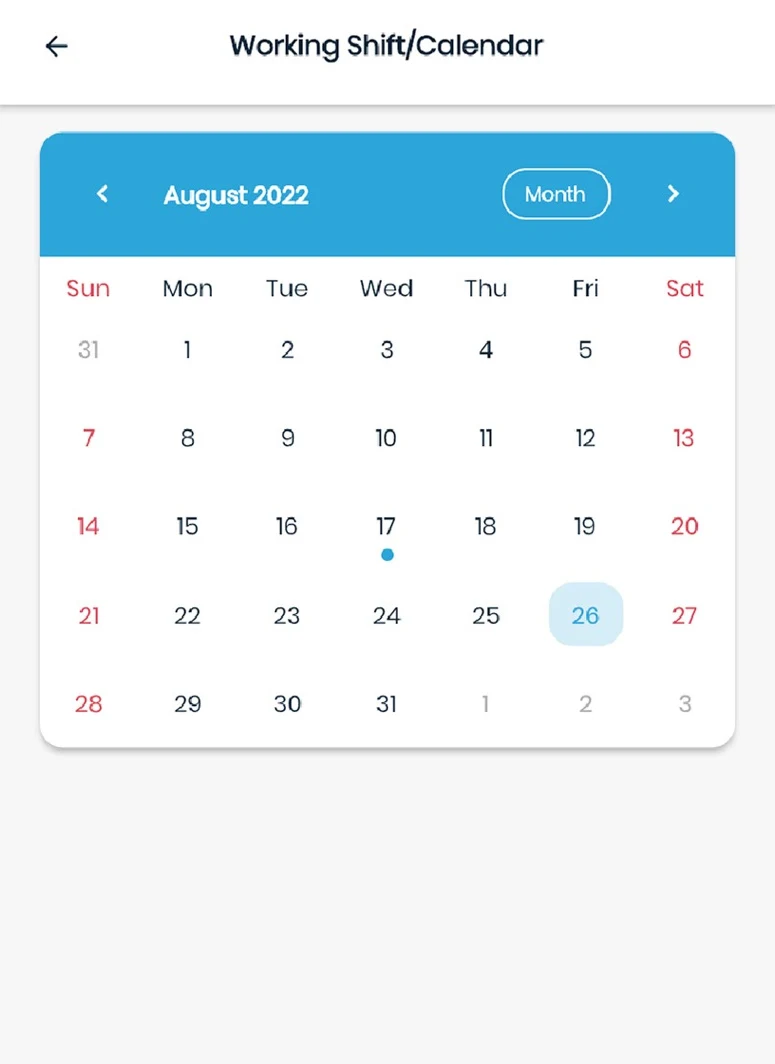
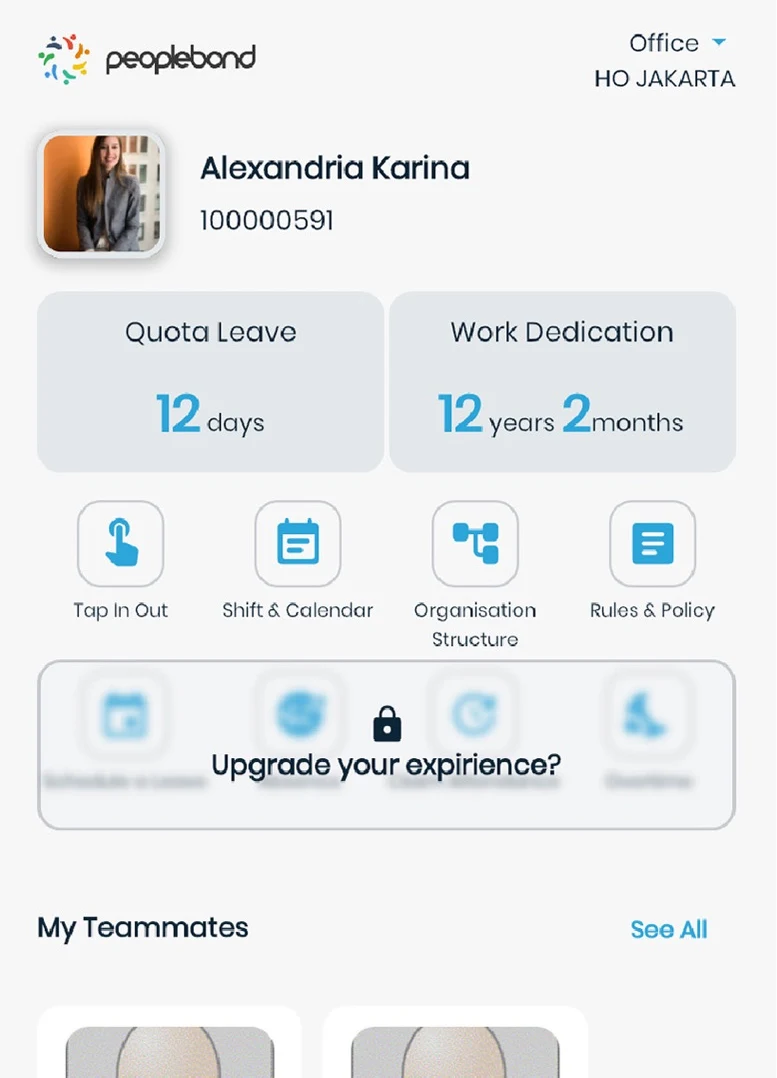
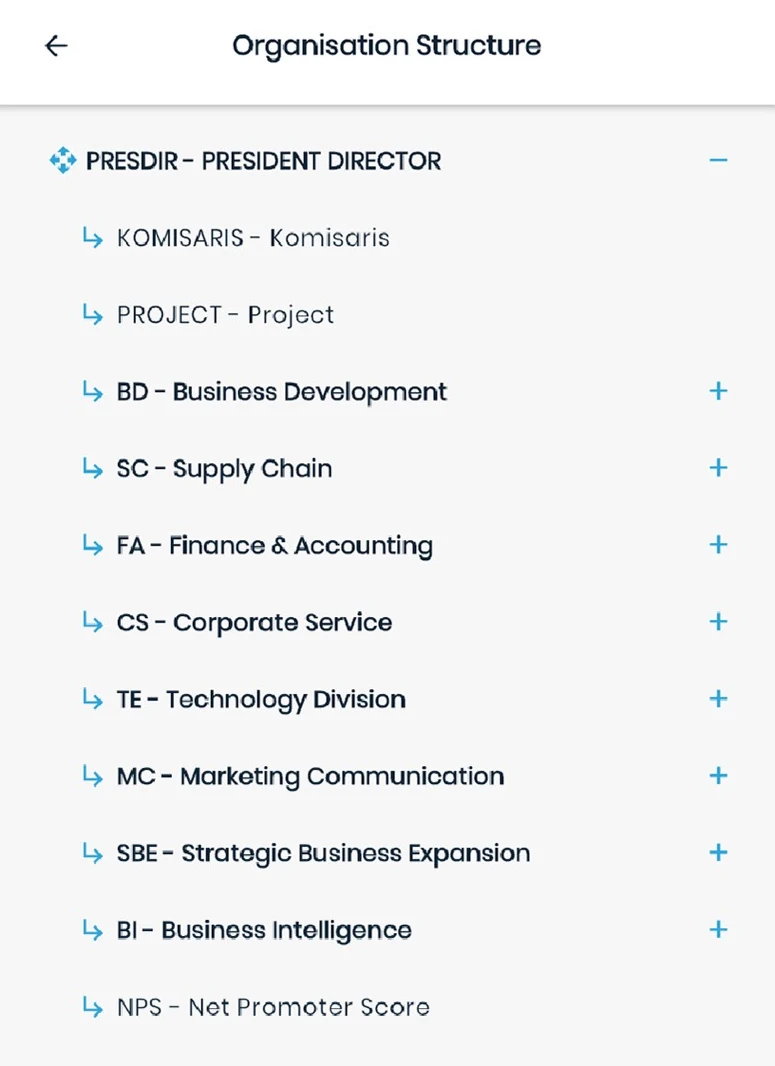
PeopleBond Connect on iPhone: shift calendar, home screen and organisation structure (demo data).
How employees get started
- Download.Search for PeopleBond Connect on the App Store or Google Play.
- Connect with a QR code.In the PeopleBond web portal, the employee opens their profile and shows a login QR code, valid for 30 seconds, then scans it with the app. Manual setup with the server address, username and password also works.
- Use it every day.Tap in and out, submit requests, check balances and payslips, and approve the team's requests.
- Upgrade when needed.Basic features come with the app. HR gives a token code to unlock Premium features.
What employees can do
Attendance
- Tap in and out with GPS, selfie and face detection
- Fake GPS blocked
- Office QR code scan
- Break time
- Attendance claims for a forgotten tap
- Office locations
Requests and approvals
- Leave with leave and substitute-leave quotas
- Absence and permits with day count
- Overtime
- Shift change
- Manager approvals with push notifications
- Notification inbox
Pay and work
- Payslips: view and download
- Project timesheets with activity, hours and attachments
- Working calendar
Company
- Org chart, subordinates and teammates
- Company policies
- Company news
- Profile updates and password change
Plans and languages
- Indonesian and English
- Basic and Premium plans per module
- Premium unlocked with a token code from HR
- Connection status when offline
Frequently asked questions
Where can employees download the app?
On the App Store for iPhone and Google Play for Android. Search for PeopleBond Connect.
Where does the app get its data?
From your company's own PeopleBond server. The app pairs with it by QR code or by entering the server address.
Which phones are supported?
iOS 17 or newer and Android 8.1 or newer.
Can managers approve requests in the app?
Yes. Managers get push notifications and approve requests such as leave, permits, overtime and shift changes from the app.
What is the difference between Basic and Premium?
Basic covers the core self-service features. Premium unlocks more modules, using a token code from your HR team.
Related modules
Try PeopleBond Connect with your team
Book a demo and we will show the app connected to a PeopleBond server.